

Edit Redmine status transitions as a flow chart instead of a checkbox grid, over exactly the same rules.
Documented for version 1.2.1 · Verified against 3bbd906
Your status transitions, drawn as a diagram you can edit. The checkbox grid is precise and, past about a dozen statuses, unreadable. You cannot see that a status is a dead end, or that nobody can reach it, by scanning ticks. The diagram answers that at a glance and lets you fix it in place. It is a view over Redmine's own workflow rules: there is no second store, no sync step, and nothing to reconcile.
Workflow Designer.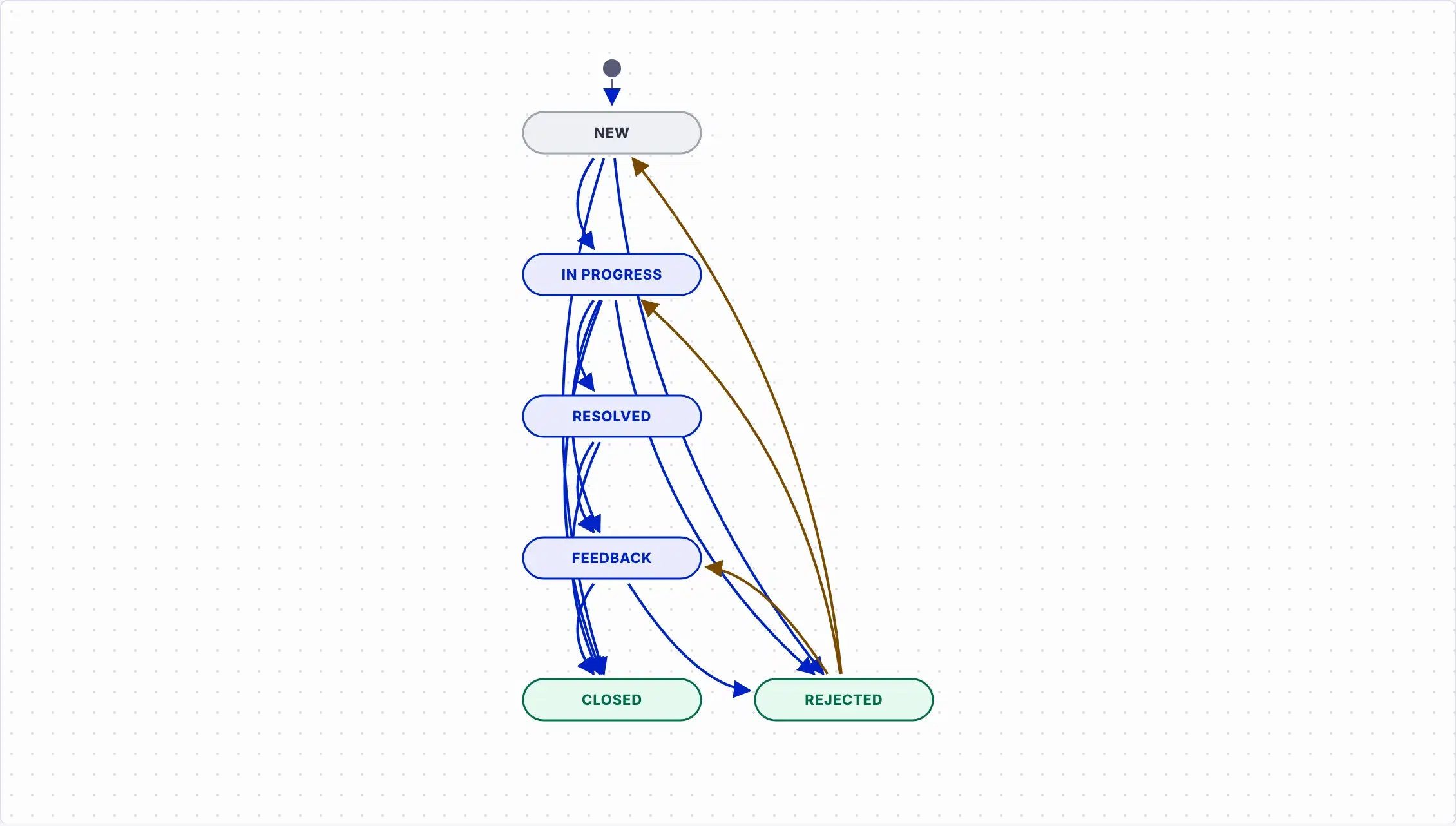
Settings, permissions, modules and how to use it on RedminePRO Cloud.
Requirements, install, update and remove, for a self-hosted Redmine 6.
The save is refused and nothing is written, because the page recorded the workflow's state when it loaded. Refresh and stage your changes again. This is deliberate: silently overwriting another administrator's rules is worse than making you redo a minute's work.
Same answer. The save is refused, the stale items are named, and no part of the set is written.
Check the tracker and role selectors. Transitions belong to a tracker and role pair, and a rule set for one role is invisible while another is selected.