

See who is over-committed before the sprint starts, from assigned work, estimates and recorded leave.
Documented for version 1.2.1 · Verified against 932d12e
A heatmap of who is committed to what, week by week, built from the work already assigned to them, its estimates, and the leave they have recorded. The question it answers is "can this team take on that?", before the sprint starts rather than after it slips.
Settings → Modules → tick Resources.Resources in a project, or the cross-project view for a whole team.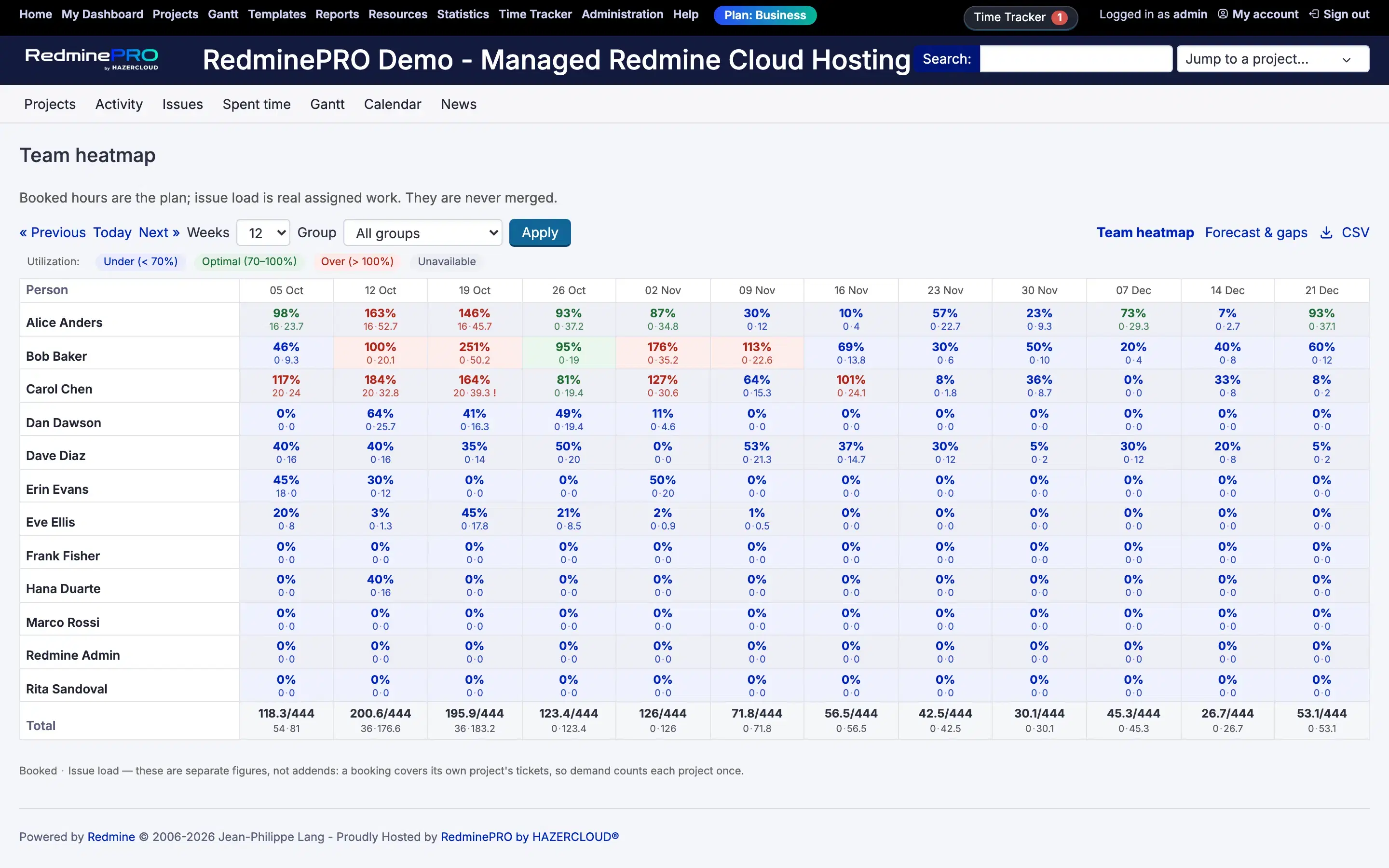
Settings, permissions, modules and how to use it on RedminePRO Cloud.
Requirements, install, update and remove, for a self-hosted Redmine 6.
Check for assigned open issues with no estimate. Each is counted at Hours assumed for an unestimated issue, and a backlog of unestimated tickets inflates a week quickly. The unestimated portion is shown separately so you can see how much of the total is a guess.
Work counts when it is assigned to them and open. Unassigned work belongs to nobody and cannot appear.
The leave is not recorded, or was recorded against a different period. Turn on Users may record their own leave if asking a planner every time is the bottleneck.